
Download Remaker – ai face swap, face swap tool, photo editing software, free ai tool, image manipulation, swap faces in photo, face swap app, ai photo editor, image swap, face swap software
Overview
Remaker - Ai Face Swapper is a desktop application designed for users seeking an intuitive way to swap faces within images and videos using artificial intelligence. The software enables individuals to superimpose one person’s face onto another’s body with minimal effort, making it ideal for entertainment, social media content creation, and casual photo editing. It is particularly suited for users without advanced technical or design skills, as the interface is structured around simplicity and automation. The tool supports both single and batch face swaps, including processing video files—though the latter requires more time due to increased computational demands.
Target users include casual content creators, social media enthusiasts, and individuals looking to generate humorous or creative visual content. The application operates entirely on the user’s device, ensuring that uploaded images and videos remain local unless explicitly shared. The developer, Remaker, has positioned the software as a free-to-use utility, emphasizing accessibility and ease of access. While the core functionality focuses on face swapping, the broader purpose lies in enabling quick, fun, and shareable visual transformations without requiring prior editing experience.
Key Features & Capabilities
- AI-Powered Face Swapping – Utilizes artificial intelligence to detect facial features and seamlessly transfer one face onto another, preserving natural proportions and lighting.
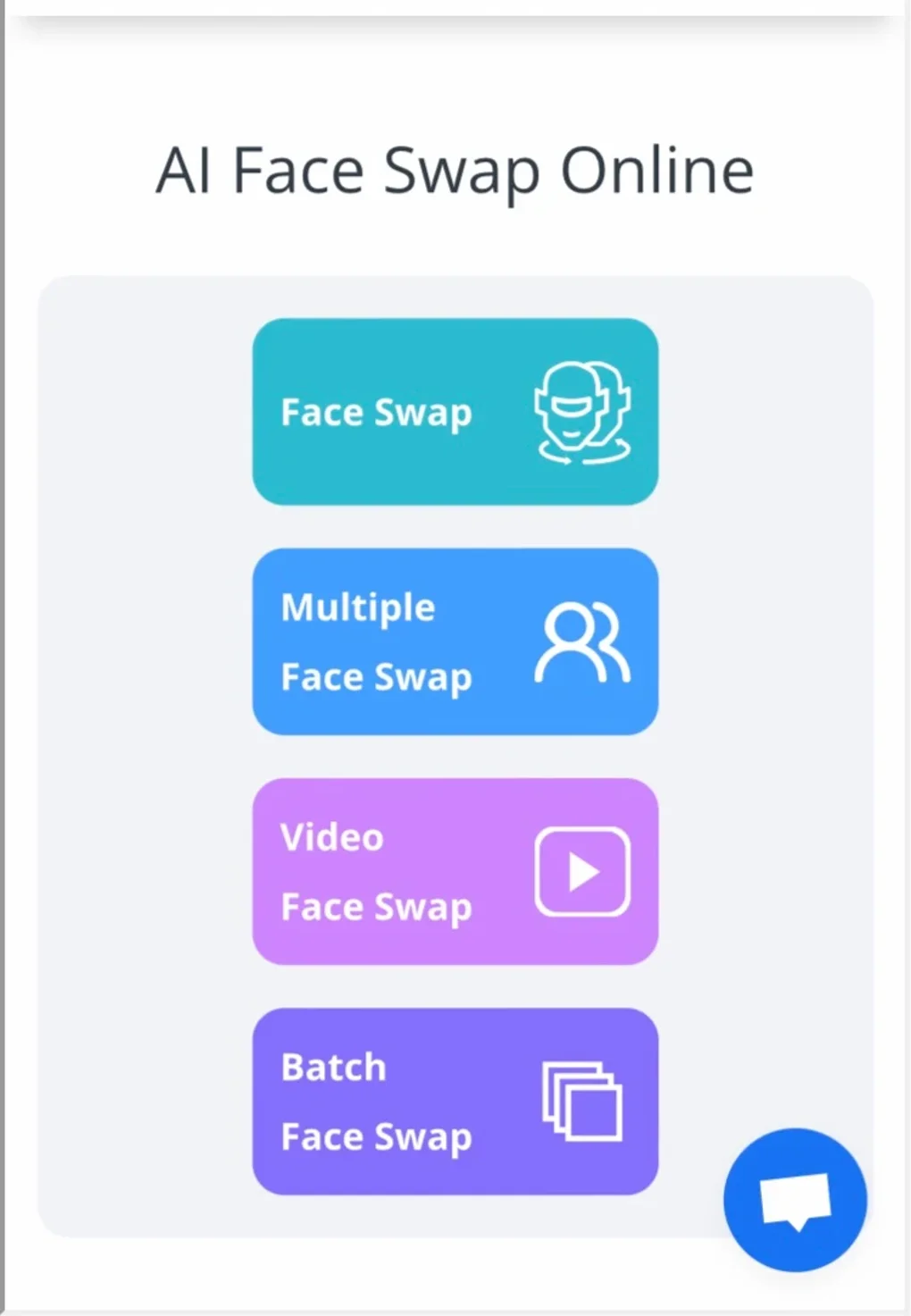
- Single and Batch Processing – Allows users to swap one face at a time or multiple faces simultaneously across several images, improving efficiency for bulk editing tasks.
- Video Face Swapping Support – Extends functionality to video files, enabling face swaps in moving footage, though processing time increases significantly compared to static images.
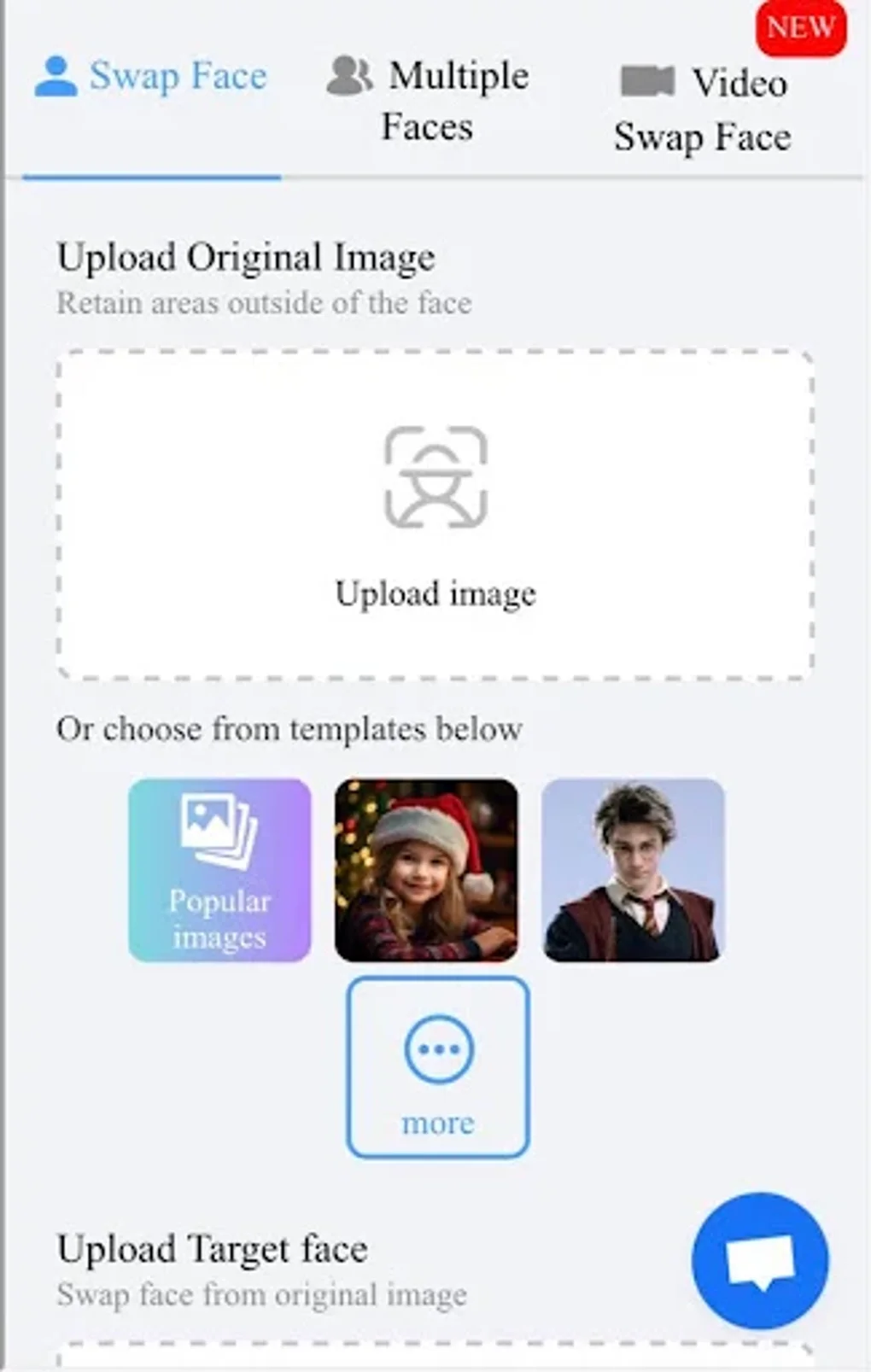
- Simple Upload Interface – Users can drag and drop images or select files directly from their device, with no need for complex file formatting or preparation.
- Local Processing – All image and video manipulation occurs on the user’s device, reducing privacy risks associated with cloud-based tools.
These capabilities make Remaker suitable for generating viral content, creating pranks, or experimenting with digital identity. For example, a user might swap their face onto a celebrity in a movie still or insert a friend’s face into a group photo. The batch feature is especially useful for content creators preparing multiple social media posts at once. The AI-driven approach minimizes manual adjustments, allowing users to focus on creativity rather than technical precision.
User Interface, Workflow & Performance
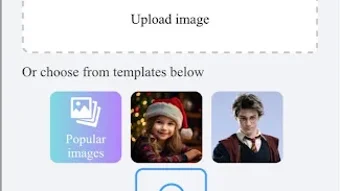
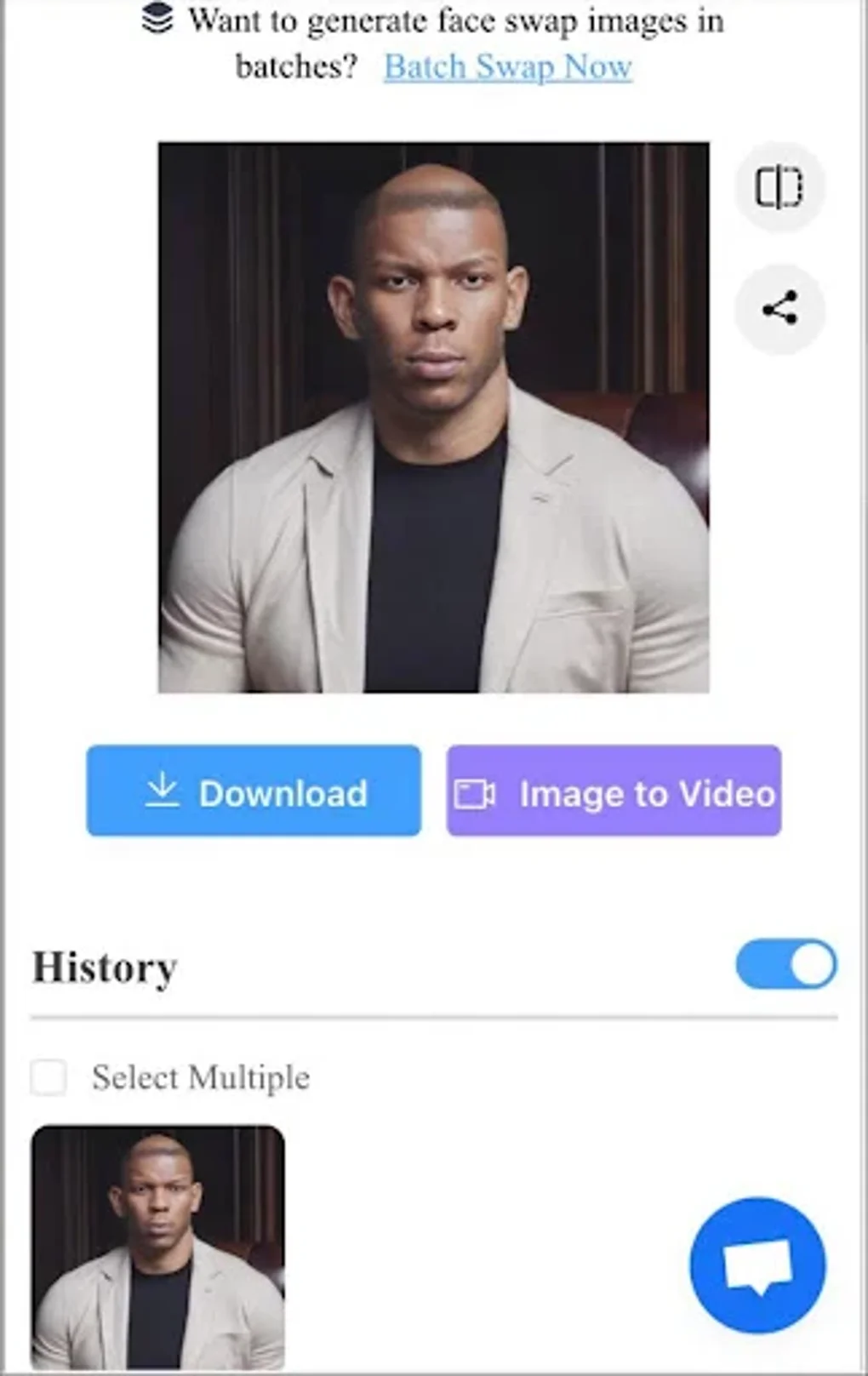
The user interface of Remaker - Ai Face Swapper is designed with minimalism and clarity in mind. The main screen presents a clean layout with clearly labeled upload zones, processing indicators, and output previews. Navigation is straightforward: users upload source and target images, initiate the swap, and view results instantly. The workflow is linear and predictable, reducing the learning curve for new users.
Performance is expected to vary based on the user’s hardware, particularly during video processing. However, the developer did not specify resource usage details such as CPU or RAM consumption. General software behavior suggests that the application remains responsive during image processing, but prolonged operations may affect system performance. Stability appears consistent across typical use cases, though the presence of ads may interrupt workflow continuity. The application does not display real-time previews during editing, which could impact user confidence in final outcomes.
Compatibility & System Requirements
Remaker - Ai Face Swapper is available for both Windows and Mac operating systems, making it accessible to a broad user base. The current version is 1.0.2, with a file size of 140 MB, indicating a lightweight installation that should not significantly impact disk space. The developer did not provide detailed system requirements, such as minimum processor speed, RAM, or graphics capabilities. As such, exact compatibility with older or low-spec machines cannot be confirmed.
Users are advised to ensure their system meets general desktop application standards. The application runs as a standalone executable, requiring no additional software or runtime environments. Installation is straightforward and does not involve complex configuration steps. Platform compatibility information is limited to the provided OS list, and no mention of Linux or other systems was made.
Pros and Cons
Pros
- Free-to-use with no hidden costs
- Simple, beginner-friendly interface
- Supports both image and video face swapping
- Batch processing for multiple files
- Local processing ensures data privacy
Cons
- Excessive ads appear after every action
- Limited system requirement information
- Video processing times are notably long
- No real-time preview during editing
- Performance impact on low-end hardware not confirmed
FAQ Section
Is Remaker compatible with Windows and Mac?
Yes, Remaker - Ai Face Swapper is available for both Windows and Mac operating systems.
Is the software safe to download and use?
Yes, the software is free and runs locally on your device. However, users should only download from official sources to avoid potential security risks.
Does Remaker require an internet connection?
The application operates offline once installed. However, the presence of ads may require occasional connectivity for ad delivery.
Can I use Remaker for commercial purposes?
While the software is free to use, users should review the licensing terms before using swapped content for commercial or public distribution.
How often does Remaker update?
The latest version is 1.0.2, released on July 15, 2024. Update frequency is not specified by the developer.
Final Thoughts + CTA
Remaker - Ai Face Swapper delivers a compelling blend of simplicity and functionality for users seeking a quick and entertaining way to swap faces in images and videos. Its AI-driven engine, local processing, and batch capabilities make it a reliable tool for casual creators and social media users. While the free model is generous, the frequent ads can disrupt the user experience. Still, for those prioritizing ease of use and creative freedom over a pristine interface, Remaker remains a strong contender in the AI photo editing space.
Download Remaker now





.png)

